
Web Application Penetration Testing: Process, Scope and Deliverables
A web application penetration test is an authorised attack on a website or portal that proves which weaknesses are exploitable. It runs in five steps, from information gathering to a written report, and the scope you agree in writing decides what is tested.

By Sangam Goel, Founder & C.T.O · Updated 2 Nov 2026

Key takeaways
- A web application penetration test is an authorised attack simulation that proves which weaknesses an attacker could use, and ends in a written report with recommended fixes.
- Our process has five steps: information gathering, vulnerability identification, analysis, penetration testing and a comprehensive report.
- Scope decides coverage. Write down the hosts, every logged-in role, whether application programming interfaces (APIs) are tested, checkout and admin consoles, the environment, excluded techniques and contacts before the test starts.
- Every finding in the report has five parts: the vulnerability, its risk, its impact, the evidence and the recommended fix.
In this article
- 1What is web application penetration testing?
- 2How does vulnerability scanning differ from penetration testing?
- 3What are the five steps of our penetration testing methodology?
- 4What does a penetration test look for?
- 5What should be in scope for a portal or e-commerce site?
- 6Public pages, logged-in roles and APIs
- 7Payment, checkout and admin consoles
- 8What to agree with any tester before the test starts
- 9Which standards do testers work to?
- 10What does the penetration testing report contain?
- 11What is the preparation checklist before a test starts?
- 12How should you read findings and decide what comes next?
- 13How to read and prioritise findings
- 14When continuous testing (PTaaS) makes sense
- 15Frequently asked questions
A test can only cover what its brief names. If the brief says “our website”, a tester may check every public page, stop at the login screen and still hand over a tidy report, while the customer records, order histories and admin functions behind that screen go untested.
This guide is a briefing for the product or engineering lead who has to write that brief. It explains what a test covers, how it runs, what belongs in and out of scope, and what you receive at the end, with a scope table to paste into an email and a checklist to run before testing starts.
What is web application penetration testing?
Web application penetration testing is an authorised, controlled attack on a website, portal or web-based system. It finds weaknesses and proves which ones an attacker could actually use. A web application pentest ends with a written report that tells your team what to fix.
Vulnerability exploitation is now the most common way breaches begin. According to the Verizon 2026 Data Breach Investigations Report, nearly a third (31%) of breaches started with a vulnerability being exploited, the first time in the report’s 19 years that this has overtaken stolen credentials. The figure covers software in general, not only web applications.
A "web application" here means anything people reach through a browser: public pages, login, forms, checkout, admin consoles and the interfaces behind them. We call our service VAPT, short for vulnerability assessment and penetration testing: finding weaknesses first, then proving which ones matter.
How does vulnerability scanning differ from penetration testing?
Vulnerability scanning uses automated tools to list known weaknesses. Penetration testing has a person try to exploit them and judge the real risk. We combine automated scanning with manual testing by our security experts, so the scan gives breadth and the manual work gives proof.
The manual part matters because a tool matches patterns but does not know your business rules. It cannot know that one customer must never see another customer's invoice. A tester holding two accounts can check exactly that.
What are the five steps of our penetration testing methodology?
Our web application penetration testing methodology has five steps: information gathering, vulnerability identification, analysis, penetration testing and a comprehensive report. Each step feeds the next, and the scope you agree decides how far steps one to four can reach.
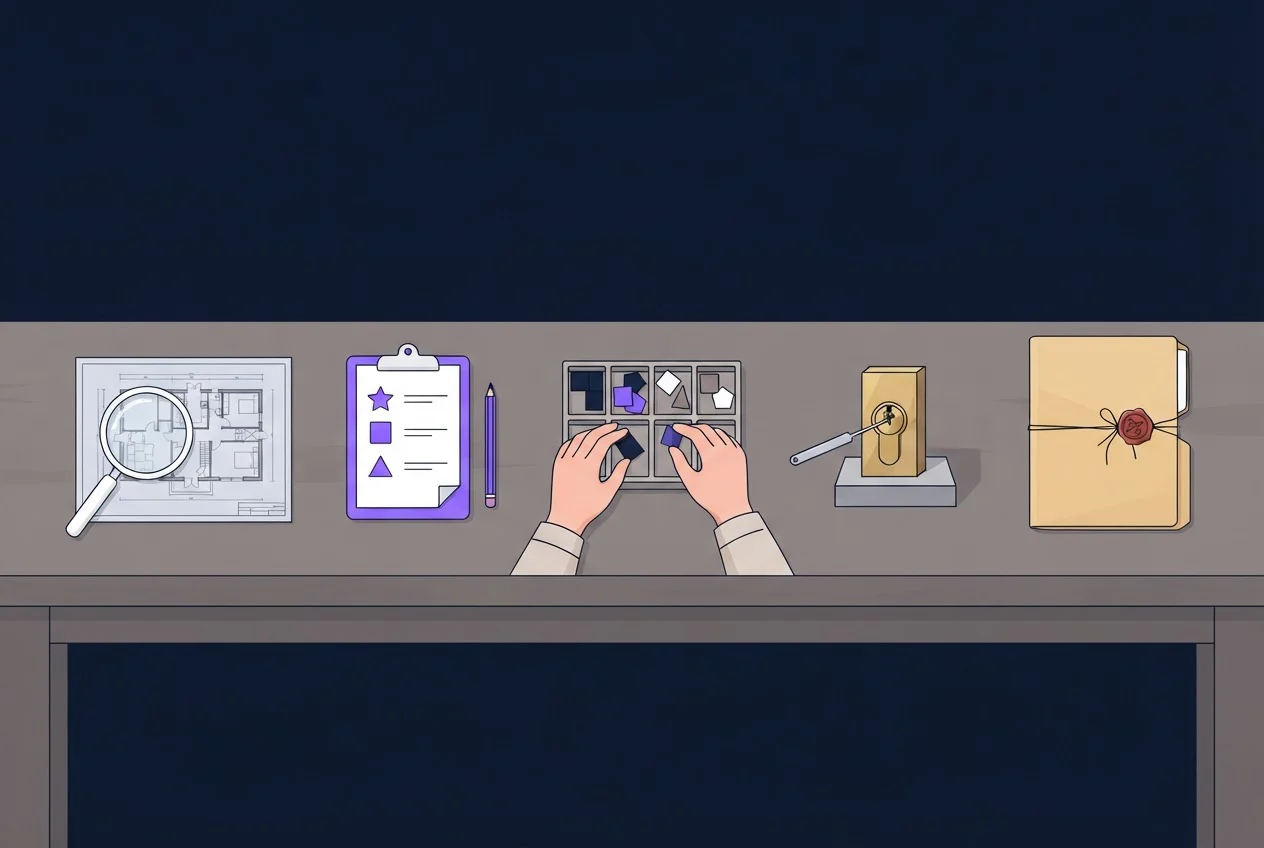
- Information gatheringWe collect data about the target, such as domains, IP (internet protocol) addresses, open ports, technologies and services, to understand the attack surface. Your scope list is the starting input.
- Vulnerability identificationWe use automated tools and manual techniques to find known vulnerabilities in systems, applications and configurations.
- AnalysisWe assess each vulnerability for severity, impact and how exploitable it is in a real environment.
- Penetration testingWe simulate real-world attacks by exploiting the critical vulnerabilities, to measure the actual risk and confirm the security gaps.
- Comprehensive reportWe compile every finding with its risk, impact, evidence and recommended fix.
What does a penetration test look for?
A test works through many weakness classes. Three from the OWASP Top 10:2025 are the easiest to picture and the most relevant to portals and shops: Broken Access Control, Injection and Authentication Failures. OWASP is the Open Worldwide Application Security Project, which publishes the Top 10 list of web risks.
- Broken Access Control. OWASP defines it as users acting outside their intended permissions. Its own example is changing an account number in a web address to read another person's account.
- Injection. Untrusted input is treated as a command. OWASP's 2025 Injection category includes cross-site scripting (XSS, where an attacker's script runs in another user's browser) and SQL injection (where input alters a database query). XSS is therefore not a separate Top 10 class in 2025.
- Authentication Failures. OWASP describes them as tricking a system into treating an invalid user as legitimate. They include session flaws: a session identifier exposed in the web address, reused after login, or not invalidated at logout or after inactivity.
What should be in scope for a portal or e-commerce site?
The scope of a web application penetration test is a written list of what the tester may attack, with which accounts, in which environment and by which methods. For a portal or e-commerce site, that means public pages, each logged-in role, checkout and payment paths, and admin consoles, plus a decision on the APIs behind them.
Anything left off the list is untested. The table below is our recommended brief.
Public pages, logged-in roles and APIs
Unauthenticated testing shows what any visitor can reach. Authenticated testing gives the tester a login for each role, so they can test what a customer, staff member or admin could do. Testing without logins is often called black-box and testing with role accounts grey-box. These are general terms, not a service name.
[Confirm with client]: whether we carry out authenticated testing, and how many role accounts we take.
Many access control flaws, such as one customer reading another's records, only appear when a tester holds accounts. For data held per customer, we recommend two accounts in the same role, so the tester can check that one cannot read the other's records. APIs behind the site are a separate scope from the web interface. Decide whether to test them, and if so see our API VAPT page.
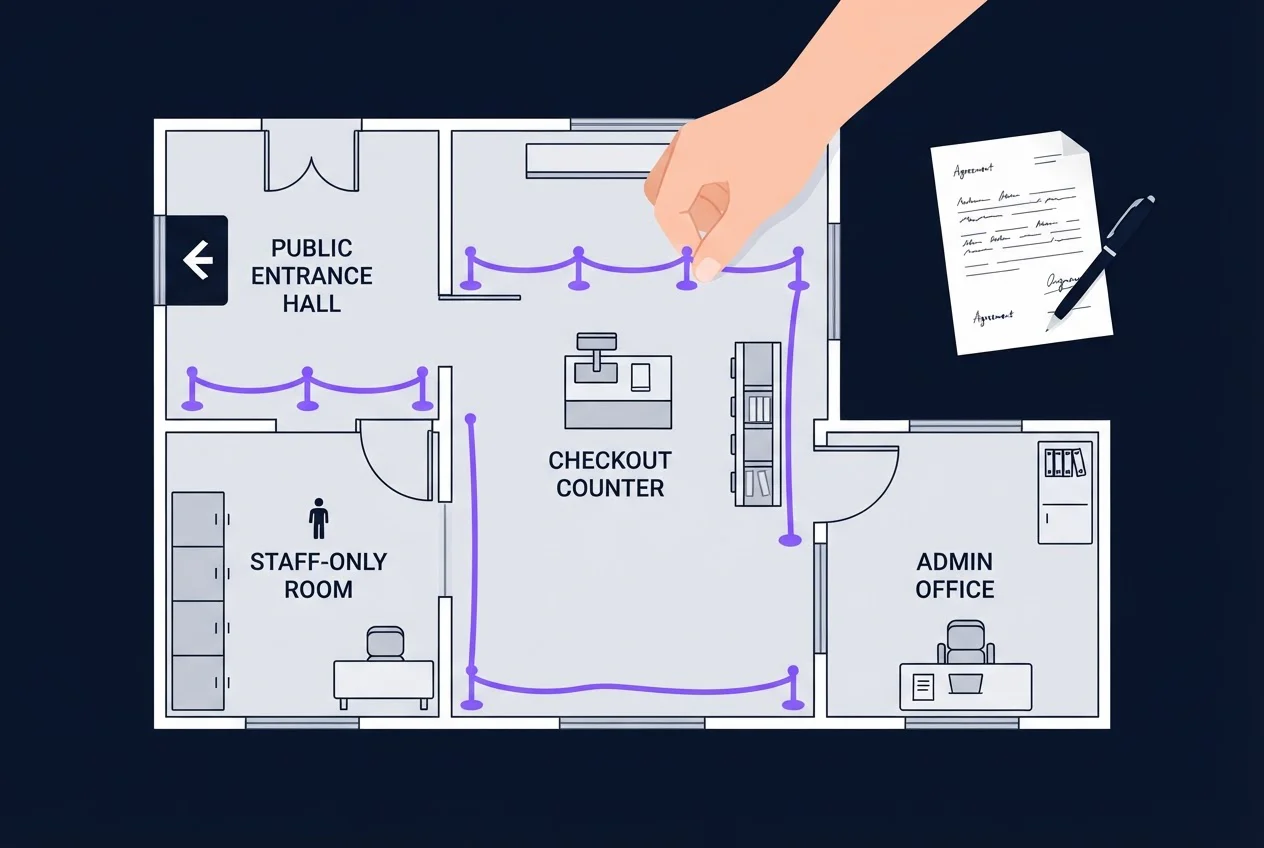
Payment, checkout and admin consoles
Decide whether the payment provider runs in test mode and which checkout steps the tester may use. The tester should not be able to charge a real card or message a real customer by accident. A payment provider's systems are not yours to authorise, so exclude them or get that provider's permission.
List the admin console by address even if it is hidden from public view. A console nobody told the tester about is a console nobody tested.
What to agree with any tester before the test starts
Agree two things in writing. The Penetration Testing Execution Standard separates them: scope states what will be tested, and the rules of engagement state how the testing will happen. Use this table as the brief.
| Item | Write down | Passes if |
|---|---|---|
| Objective | The one question the test must answer, such as "can one customer see another's orders?" | A colleague reads it and can say what a good result looks like |
| Hosts and URLs | Every domain, subdomain and path in scope, and what is excluded | Every domain and subdomain from your DNS records and certificate list is either listed in scope or listed as excluded |
| Roles and accounts | Each role (visitor, customer, staff, admin) and a login for each | You have signed in with every account yourself |
| APIs | Whether the APIs are tested, and under which service | A named person can hand over the list of API endpoints |
| Payment and checkout | Test mode or live, and which steps may be used | No step can charge a real card or message a real customer |
| Admin consoles | Address, who can log in, whether it is reachable from the internet | Every console is listed by address |
| Third-party services | Services you do not own, and who can authorise testing them | Each has a named owner or is excluded in writing |
| Environment | Which environment is tested, and how it differs from live | The differences are written down |
| Techniques and stop conditions | Methods excluded (such as denial-of-service, which floods a system until it stops responding) and what halts testing | Both are written down, with a named person who can restart testing |
| Contacts and data | A technical contact, an escalation contact, and how evidence is stored and deleted | Two named people with phone numbers, and a stated deletion rule |
If your application runs with a cloud provider, check that provider’s current testing policy before the test. AWS, for example, lists services customers may test without prior approval. Its standard policy prohibits denial-of-service testing and DNS zone walking (listing every record in a hosted DNS zone) via Route 53, and simulated distributed denial-of-service (DDoS) attacks fall under a separate DDoS Simulation Testing policy.
Which standards do testers work to?
Three public references describe what a thorough web test covers: the OWASP Top 10, the OWASP Web Security Testing Guide (WSTG) and NIST SP 800-115. You can ask any tester which of them their coverage follows, and which categories were not tested.
- OWASP Top 10 (web application testing). The 2025 edition ranks ten risk categories, from A01 Broken Access Control to A10 Mishandling of Exceptional Conditions. It is an awareness list, not a test plan.
- OWASP WSTG. The Web Security Testing Guide is an open-source, community-maintained framework for testing web applications and web services. Its categories include information gathering, configuration management, identity management, authentication, authorisation, session management, injection, error handling, cryptography, business logic, client-side testing and API testing. It does not replace source code review.
- NIST SP 800-115. The National Institute of Standards and Technology published Technical Guide to Information Security Testing and Assessment in September 2008. It helps organisations plan and conduct technical security tests, analyse findings and develop mitigation strategies. It is a process guide, not a list of current attack techniques.
A test that follows only the Top 10 titles is thinner than one that follows the WSTG categories. That is our judgement, and it is why the scope table above asks for roles and business functions.
What does the penetration testing report contain?
The web application penetration testing report lists each vulnerability found, the risk it poses, its impact, the evidence behind it and the recommended fix. Those five items let a developer find the problem, a manager judge it, and both agree what to change.
| Report item | The question it answers |
|---|---|
| Vulnerabilities | What is wrong, and where in the application? |
| Risks | How exposed is the business to this weakness? |
| Impact | What could an attacker gain or damage by using it? |
| Evidence | What proves the weakness is real? |
| Recommended fixes | What should our team change to close it? |
We deliver a Cycle 1 report and a Cycle 2 report. [Confirm with client]: what the Cycle 1 report and the Cycle 2 report each contain, and whether Cycle 2 is a retest.
What is the preparation checklist before a test starts?
The web application penetration testing checklist has six items: a named test environment, a login for each role, a point of contact, a change freeze, a backup and a data-handling rule. This is general preparation advice. Each item passes or fails on a check you can run.
- Environment namedPass if you can write the exact address of the environment under test and list how it differs from live. Fail if "staging" means different things to different colleagues.
- Role accounts workingPass if you have signed in with every account, including any second-factor step. Fail if the first login attempt happens on the test's first day.
- Point of contact reachablePass if a technical contact and an escalation contact are named with phone numbers. Fail if either is on leave or unknown.
- Change freeze agreedPass if no release will reach the tested environment while the test runs, and the release owner has confirmed. Fail if a deployment pipeline can still push changes, because findings then describe a build that no longer exists.
- Backup confirmedPass if a recent backup exists and someone has restored from it. Fail if backups exist only on paper.
- Data-handling rule writtenPass if the document says where evidence is stored and when it is deleted. Fail if it is silent.
How should you read findings and decide what comes next?
Read the report by impact and exploitability: fix first what an attacker can reach easily and what would do the most damage. Then decide whether a single test is enough or your application changes too often for one.
How to read and prioritise findings
Sort findings by two questions. How much damage would exploitation do, and how easily could an attacker reach it? A flaw that exposes other customers' data and needs only a changed web address comes before a flaw that needs several unlikely conditions.
As general advice, not a description of our deliverables, test again after fixes. A fix you have not tested is an assumption.
When continuous testing (PTaaS) makes sense
If your application changes so often that one test goes out of date between releases, Penetration Testing as a Service (PTaaS) is our option for ongoing coverage. Mobile apps, cloud infrastructure and networks are separate scopes: see our Mobile Application VAPT, Cloud Infra VAPT and Network VAPT pages.
Final Thoughts: Agree the scope before you brief a tester
A web application penetration test is only as useful as its brief. Agree the objective, every URL, each logged-in role, the APIs, checkout and admin paths, the environment and the rules in writing. The five steps, from information gathering to a comprehensive report, can then test what matters and prove which weaknesses are real. Read the findings by impact and ease of attack, fix the most exposed first, and test again to confirm the fixes held.
You do not have to work it out alone. Choose Web Application VAPT on our contact form or call +91-9838391333, bring the completed scope table from this guide, and we will set the scope with you in a consultation. You can also email info@gs2cybersec.com.
Book that conversation before your next release changes the application again. Our Web Application VAPT service page describes the offering itself.
Set the scope of your web application test with us
Frequently asked questions
Sources
- 1.OWASP Top 10:2025
- 2.A01:2025 Broken Access Control
- 3.A05:2025 Injection
- 4.A07:2025 Authentication Failures
- 5.OWASP Web Security Testing Guide
- 6.NIST SP 800-115, Technical Guide to Information Security Testing and Assessment
- 7.Pre-engagement Interactions
- 8.AWS penetration testing policy
- 9.PCI DSS v4.0.1
- 10.Verizon 2026 Data Breach Investigations Report, Verizon (press release), 19 May 2026